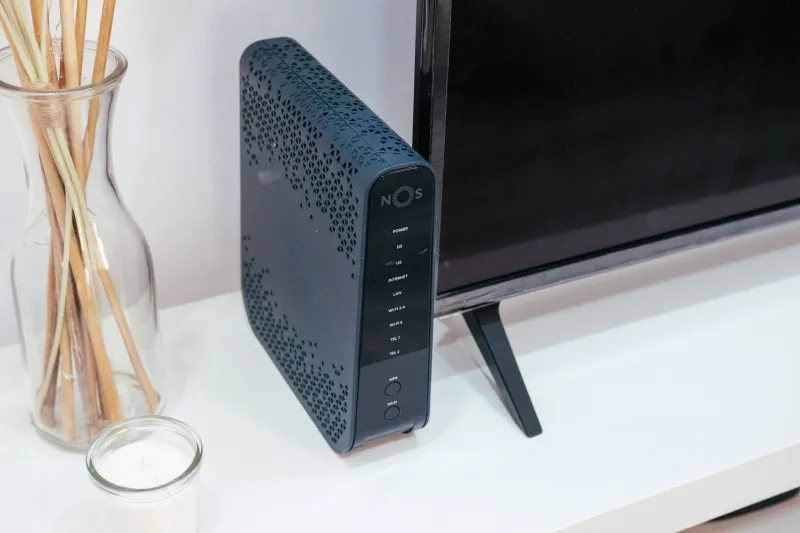
Every Device Has a Conversation: Mapping the Hidden Data Flows Inside Your Connected Home
Photo: Raimond Spekking, CC BY-SA 4.0, via Wikimedia Commons
Walk through any American home today and you will find an ecosystem that would have seemed extraordinary a decade ago. A smart thermostat adjusts the temperature based on your schedule. A voice-activated speaker orders groceries. Security cameras stream footage to the cloud. A smart TV recommends shows based on what you watched last Tuesday. Individually, each device seems convenient and largely harmless. Collectively, they form a web of data exchange that most homeowners have never examined—and that cybercriminals have learned to navigate with disturbing efficiency.
Understanding why this matters begins with a single uncomfortable truth: when attackers compromise one device on your network, they rarely stop there. They pivot. A vulnerable smart TV becomes a foothold. From that foothold, they probe neighboring devices. Before long, a security camera that still runs its factory-default firmware becomes a window into your daily routine, and a smart speaker becomes an unintentional microphone. The technical term for this lateral movement is "network pivoting," and it is among the most common tactics documented in modern home intrusion cases.
What Your Devices Are Actually Saying to Each Other
Most connected devices communicate through a combination of your home Wi-Fi network, Bluetooth, Zigbee, or Z-Wave protocols—depending on the manufacturer. Smart lighting systems from brands like Philips Hue often use Zigbee to talk to a central hub, which then connects to the internet via your router. Smart thermostats such as Nest or Ecobee transmit occupancy data, temperature preferences, and sometimes location data back to manufacturer servers while also integrating with platforms like Google Home or Amazon Alexa.
This integration is precisely where the risk concentrates. When your thermostat links to your voice assistant, and your voice assistant links to your smart lock, you have created a chain. A vulnerability anywhere in that chain can theoretically affect every link. Security researchers have repeatedly demonstrated that consumer IoT devices frequently ship with outdated software, weak default credentials, and limited encryption—conditions that persist long after the product leaves the store shelf.
Your smart TV warrants particular attention. Modern televisions collect Automatic Content Recognition (ACR) data, which tracks every piece of content displayed on screen—including inputs from cable boxes, gaming consoles, and streaming sticks. This data flows to the manufacturer and, in many cases, to third-party advertising networks. While ACR is primarily a privacy concern rather than a direct attack vector, the background network traffic it generates can obscure malicious activity and indicates that your television maintains persistent outbound connections you may never have authorized.
Conducting Your Own Home Device Audit
The goal of a device audit is not to generate anxiety—it is to generate a clear inventory and an honest risk assessment. Begin with the following structured approach.
Step one: Build a complete device inventory. Log in to your router's administrative interface (typically accessible at 192.168.1.1 or 192.168.0.1 in a standard home network) and navigate to the connected devices or DHCP client list. Every device currently connected to your network will appear here. Write them down. Most homeowners are surprised to find devices they had forgotten about—an old tablet, a child's gaming console, a Wi-Fi-enabled picture frame received as a gift years ago.
Step two: Identify which devices communicate with each other. Review your smart home app integrations. Google Home, Amazon Alexa, and Apple HomeKit each maintain a list of linked devices and the permissions granted to each. Remove any integrations that are no longer in use. Every unnecessary connection is a potential attack surface that offers no offsetting benefit.
Step three: Segment your network. This is the single most impactful technical step available to the average homeowner. Most modern routers—and virtually all Wi-Fi 6 capable routers—support the creation of a guest network or a dedicated IoT VLAN (Virtual Local Area Network). Place all smart home devices on a separate network segment isolated from the computers, phones, and tablets you use for banking, email, and sensitive work. Even if an attacker compromises your smart refrigerator, segmentation prevents them from reaching your laptop.
Step four: Update every device's firmware. This step is tedious and frequently overlooked, but it remains non-negotiable. Navigate to the settings menu of each smart device and check for available firmware updates. Many devices do not update automatically by default. Manufacturers regularly issue patches for known vulnerabilities, and devices running outdated firmware are effectively advertising their weaknesses to any attacker performing reconnaissance on your network.
Step five: Change default credentials immediately. If any device in your home still uses the username and password it shipped with, change both right now. Default credentials for popular IoT devices are publicly documented and are among the first combinations attackers attempt during automated scanning.
The Role of Comprehensive Security Software
A device audit is a snapshot in time. Your home network, however, is a living environment—new devices arrive, firmware ages, and threat landscapes shift. Maintaining ongoing visibility requires tools that operate continuously rather than reactively.
Norton's security suite includes network protection features capable of monitoring connected devices for suspicious behavior and alerting you when new, unrecognized hardware joins your network. This persistent monitoring layer addresses the reality that most homeowners cannot realistically audit their network manually every week. Automated detection of anomalous traffic patterns—a thermostat suddenly initiating outbound connections to an unfamiliar server, for example—provides the kind of early warning that manual audits cannot.
It is also worth noting that endpoint protection on your primary computers and phones remains essential even within a segmented network. IoT devices can serve as reconnaissance platforms, gathering behavioral data about when you are home, when you sleep, and which devices you interact with most. That intelligence can inform highly targeted phishing campaigns delivered through entirely separate channels—email, SMS, or social media—that have nothing to do with your home network's technical configuration.
A Realistic Standard for the Connected Household
Perfect security in a connected home is not achievable, and it is not the appropriate goal. The appropriate goal is a defensible posture: a network where attackers face meaningful friction at every step, where the blast radius of any single compromised device is limited by segmentation, and where you maintain enough visibility to detect unusual activity before it escalates.
The households most frequently victimized are not those with the most devices—they are those with the least awareness. A family that has audited its network, separated its IoT devices, updated its firmware, and deployed capable security software presents a significantly less attractive target than one that has never considered the question at all.
Your home is not just a physical space anymore. It is a network. Treat it accordingly.